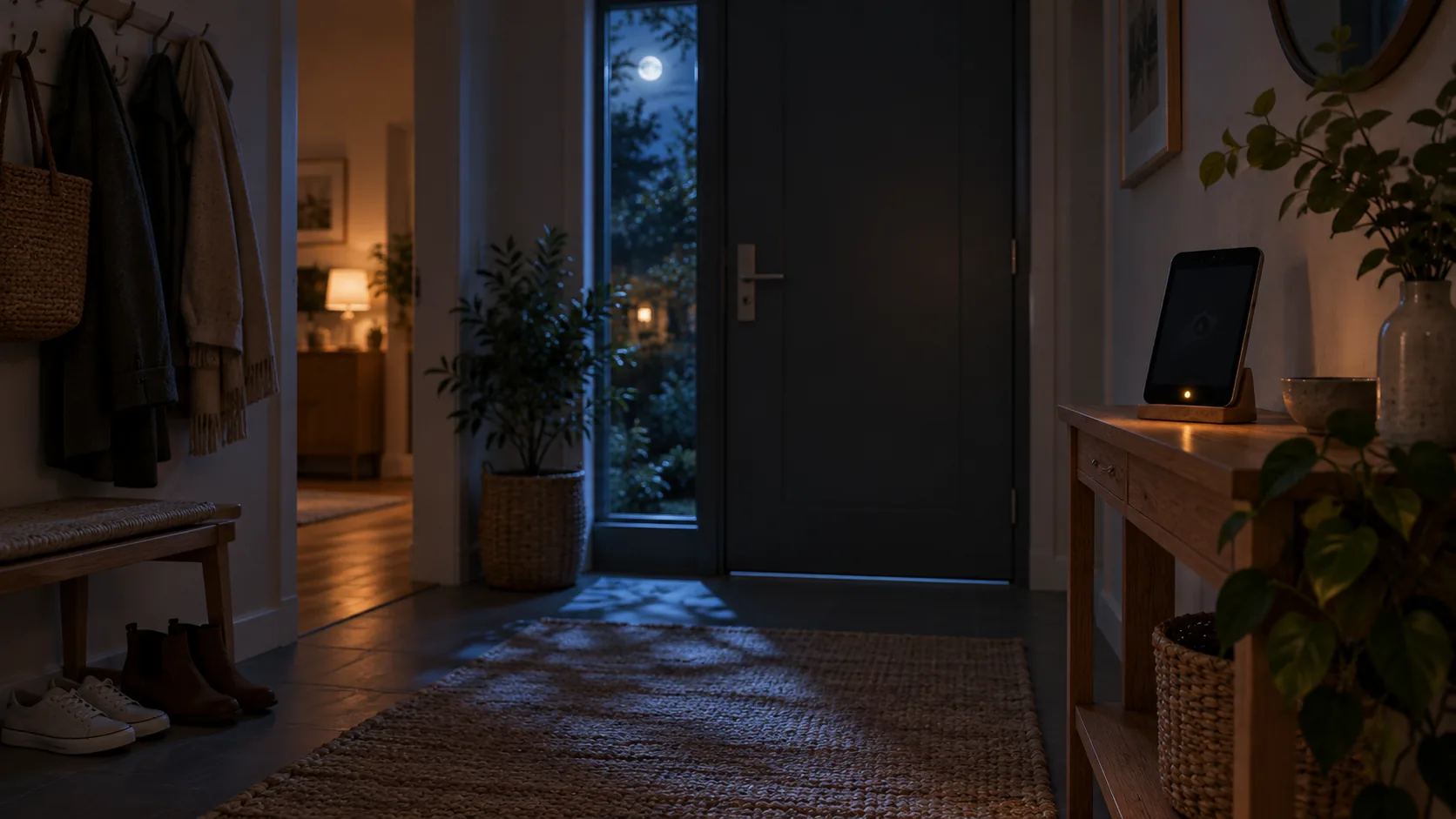
heySec Home · in private testing
The security system is already in your drawer.
heySec Home turns the phones, tablets and computers you already own into cameras and sensors that watch your home. Arm it from your phone, and the cloud keeps watch around the clock.
-
iPhone & iPadiOS 16 or later
-
AndroidAndroid 8 or later
-
MacIn the menu bar
-
Windows & LinuxIn the system tray
-
Smart homeHomeKit, Home Assistant
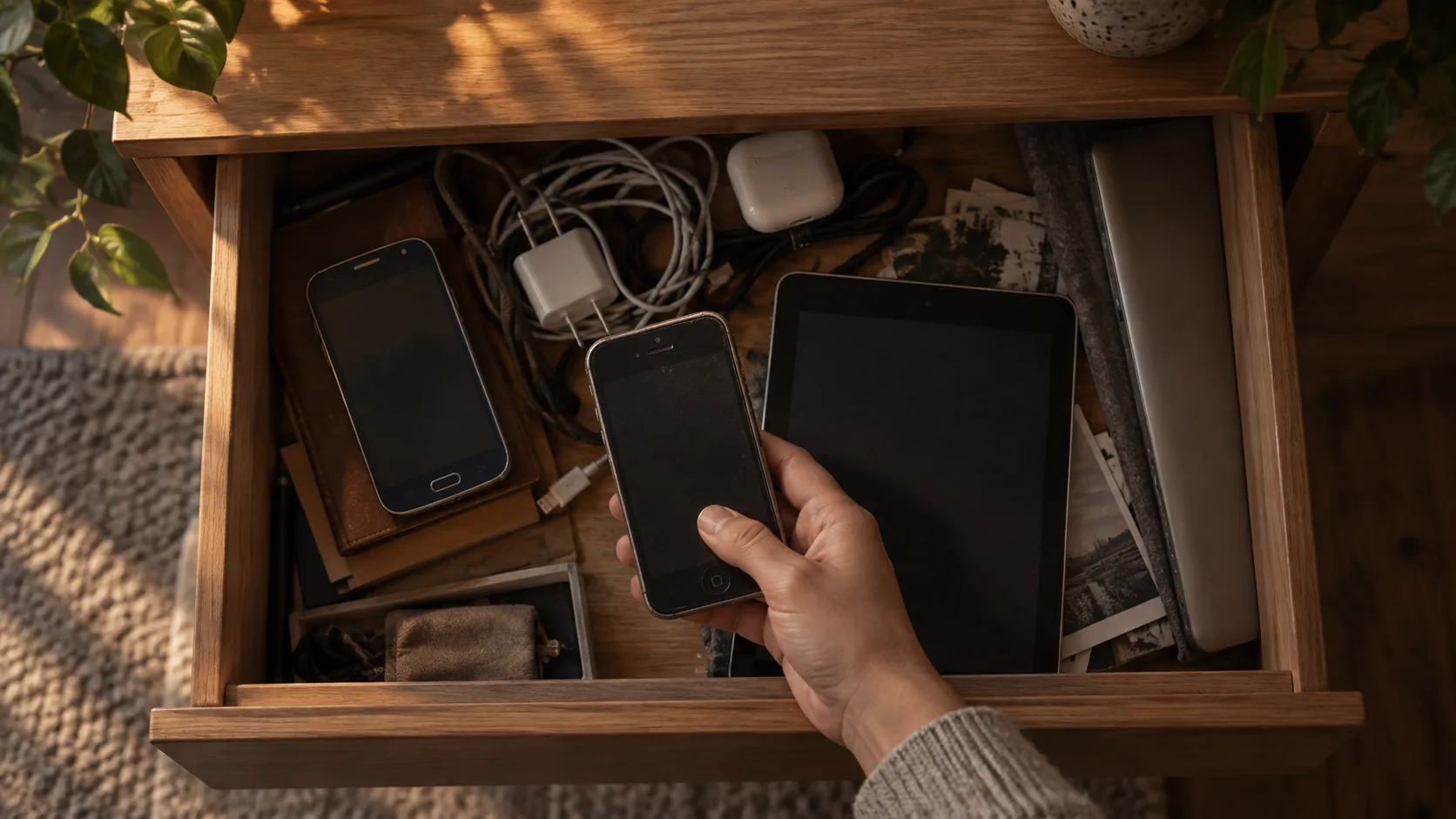
Dual use, second life
Every device keeps its day job, and takes the night shift.
Your laptop stays your laptop and the kitchen tablet still shows recipes. heySec Sensor runs alongside and starts watching when you arm the house. The phones that never found a new home get a second life, not a landfill.
Disarmed
Out of your way. On a computer the camera and microphone open only for what is armed, so they stay yours. Always-on rules, like the smoke alarm, keep listening.
Armed · Away
On watch. Movement, a person, breaking glass, a device moved or unplugged: anything your rules care about raises the alarm.
How it works
From drawer to on duty in three steps
-
Install heySec Sensor
Put it on a spare iPhone, iPad or Android device, or on a Mac, Windows or Linux computer. It asks only for the permissions each sensor needs.
-
Pair it with a code
Create a code in heySec Home and type it on the device. Each code works once and expires after 15 minutes.
ABCD-EF23 -
Arm it from your phone
heySec sets up sensible rules for every kind of sensor it finds. Then choose how you are using the house.
Arm HomeArm NightArm Away
What your devices can notice
Every device brings its own senses
heySec offers only the sensors a device really has and you have allowed. Turn any of them off and it stops sampling completely, not just reporting.
iPhone and iPad
heySec Sensor for iOS
- Movement in front of the camera
- A person in view
- Doors, knocks, footsteps and voices
- Glass breaking
- A smoke or fire alarm sounding
- Being moved or picked up
- Being unplugged
- Lights switched on
Needs iOS 16 or later.
Android phones and tablets
heySec Sensor for Android
- Movement in front of the camera
- A person in view
- A smoke alarm beeping
- A loud noise
- Being moved or picked up
- Being unplugged
- Lights switched on
- Something close by
Needs Android 8 or later.
Mac, Windows and Linux
heySec Sensor for desktop, in the menu bar or tray
- Movement in front of the camera
- A person in view
- Someone using the computer while you are away
- A smoke alarm beeping
- A loud noise
- A laptop that stops charging
- Lights switched on
Person detection on Mac and Windows. Windows 10 or later, installed without administrator rights. Keeps itself up to date.
Your smart home
HomeKit through an iPhone or iPad, and Home Assistant
- Doors, windows and garage doors opening
- Motion and presence sensors
- A lock left open or jammed
- The doorbell
- Smoke, carbon monoxide and gas
- A leak
- Temperature out of the safe range
- A sensor running low on battery
Accessories are read, never controlled. Home Assistant connects outwards only: no open port, and its token never leaves your house.
The heySec Home app
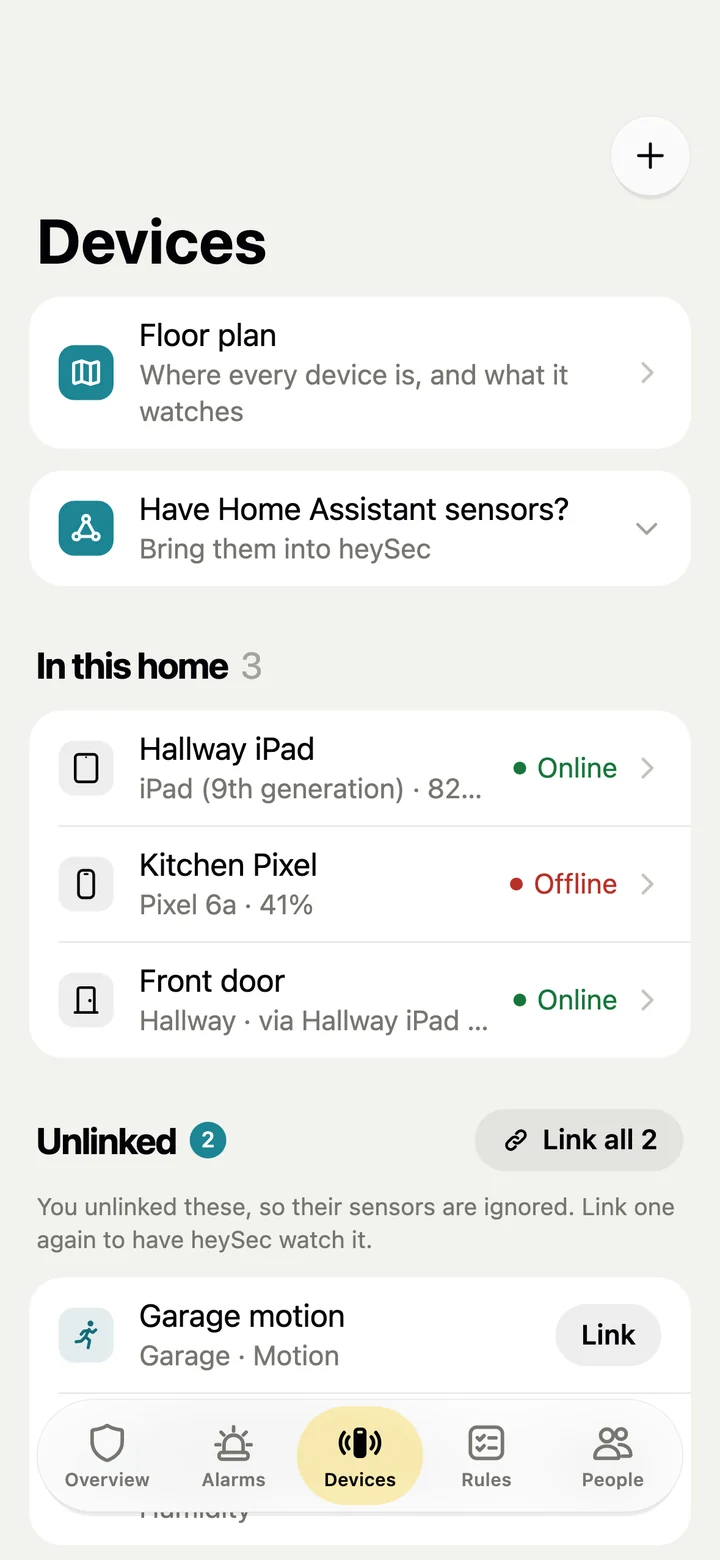
Your whole home in one calm app
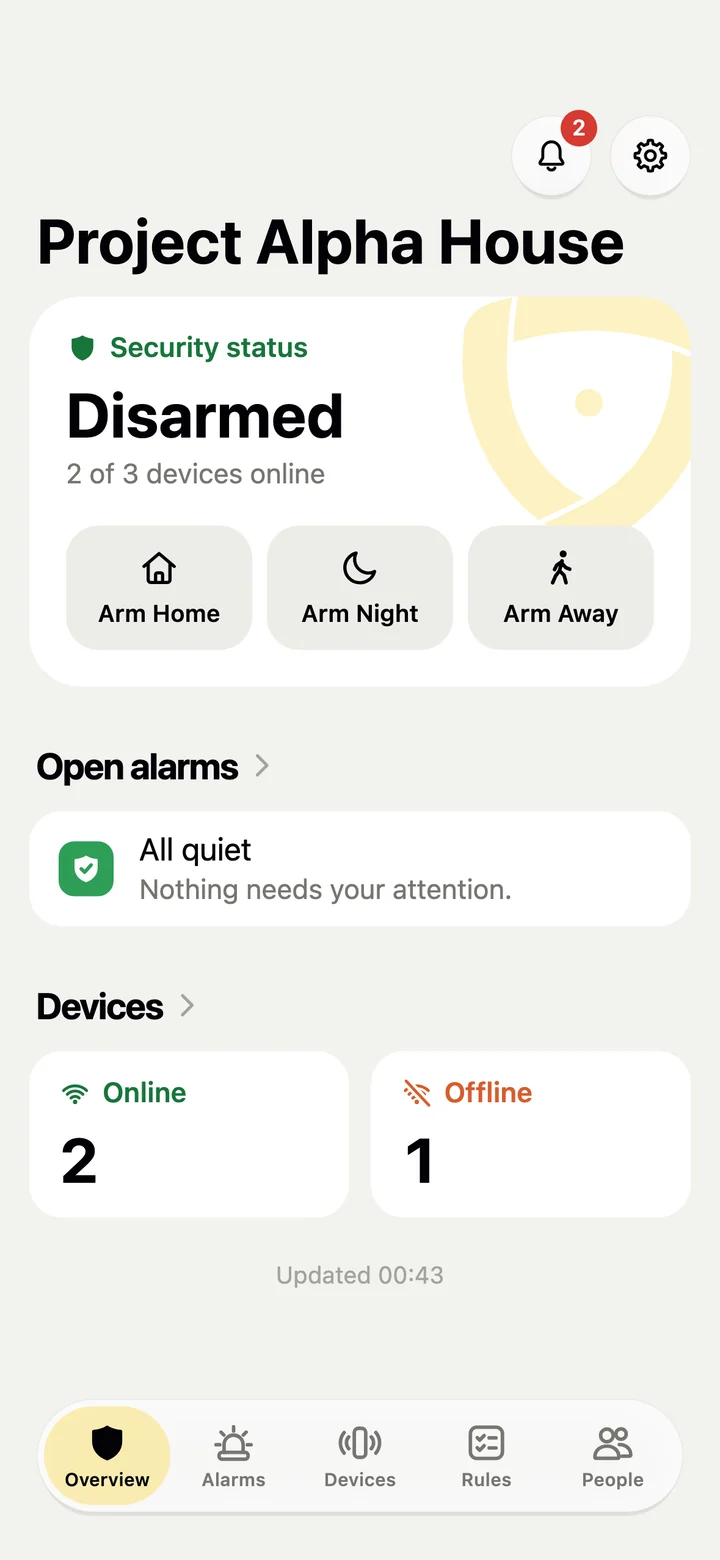
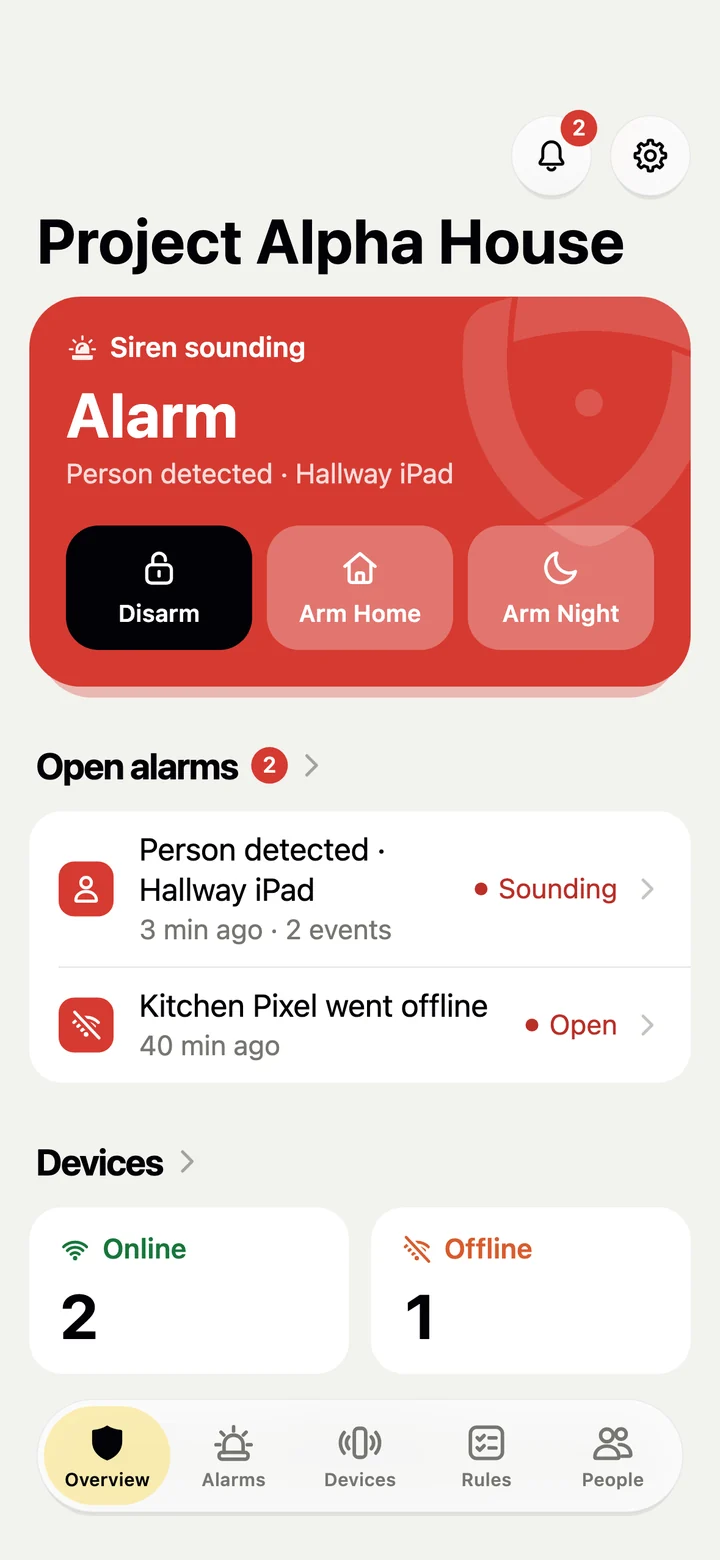
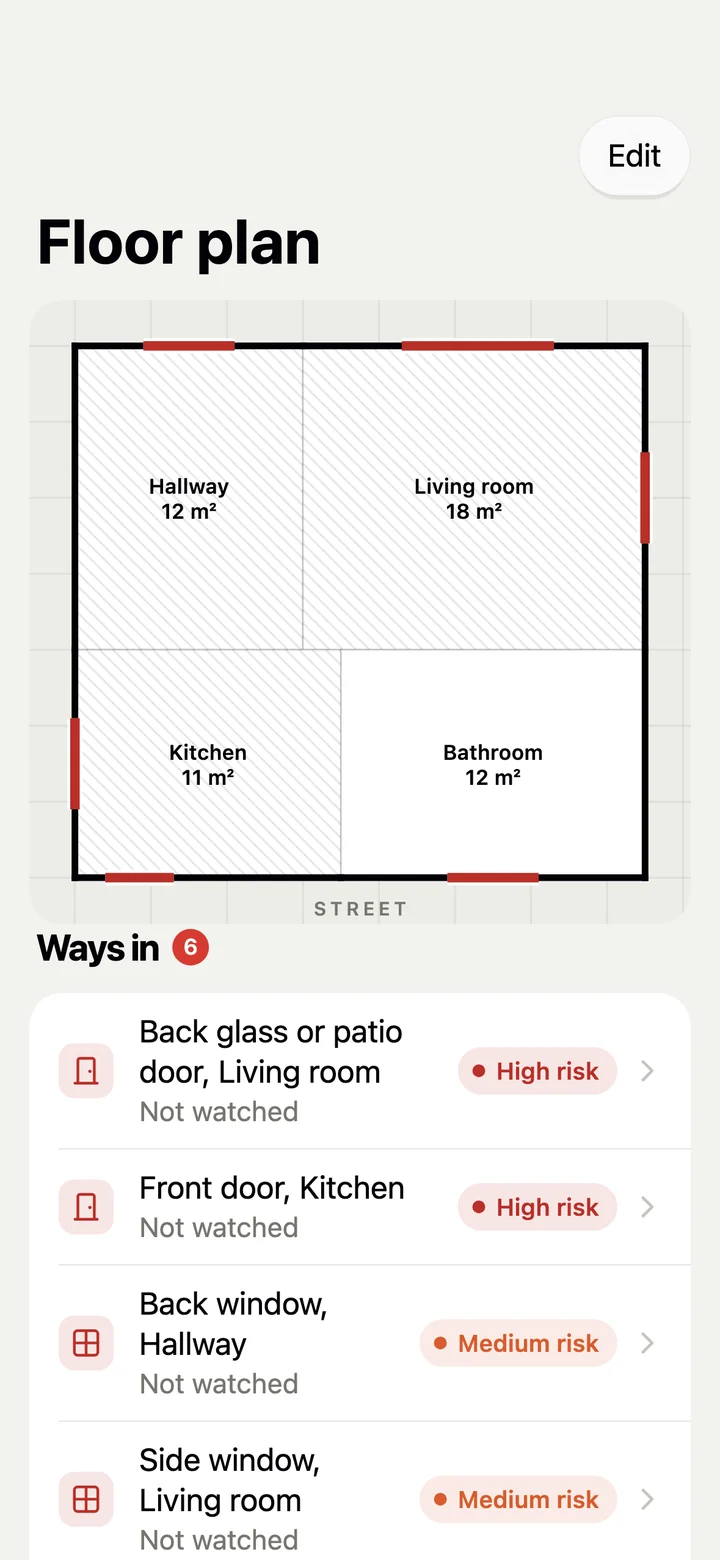
One glance tells you whether the house is armed, which devices are online and whether anything needs you. The app only offers what makes sense right now.
Security status
Disarmed
Life as usual. Only rules you keep always on, like smoke and leaks, stay awake.
Home · Night · Away
Armed
Each mode wakes the sensors its rules ask for, in the hours you choose.
Entry delay
Disarm within 30 s
Came home? You get a countdown to disarm before the alarm goes off.
Siren sounding
Alarm
Devices with the siren on sound it at full volume until someone disarms.
Easy floor plan mapping
Walk through a room. Get its floor plan.
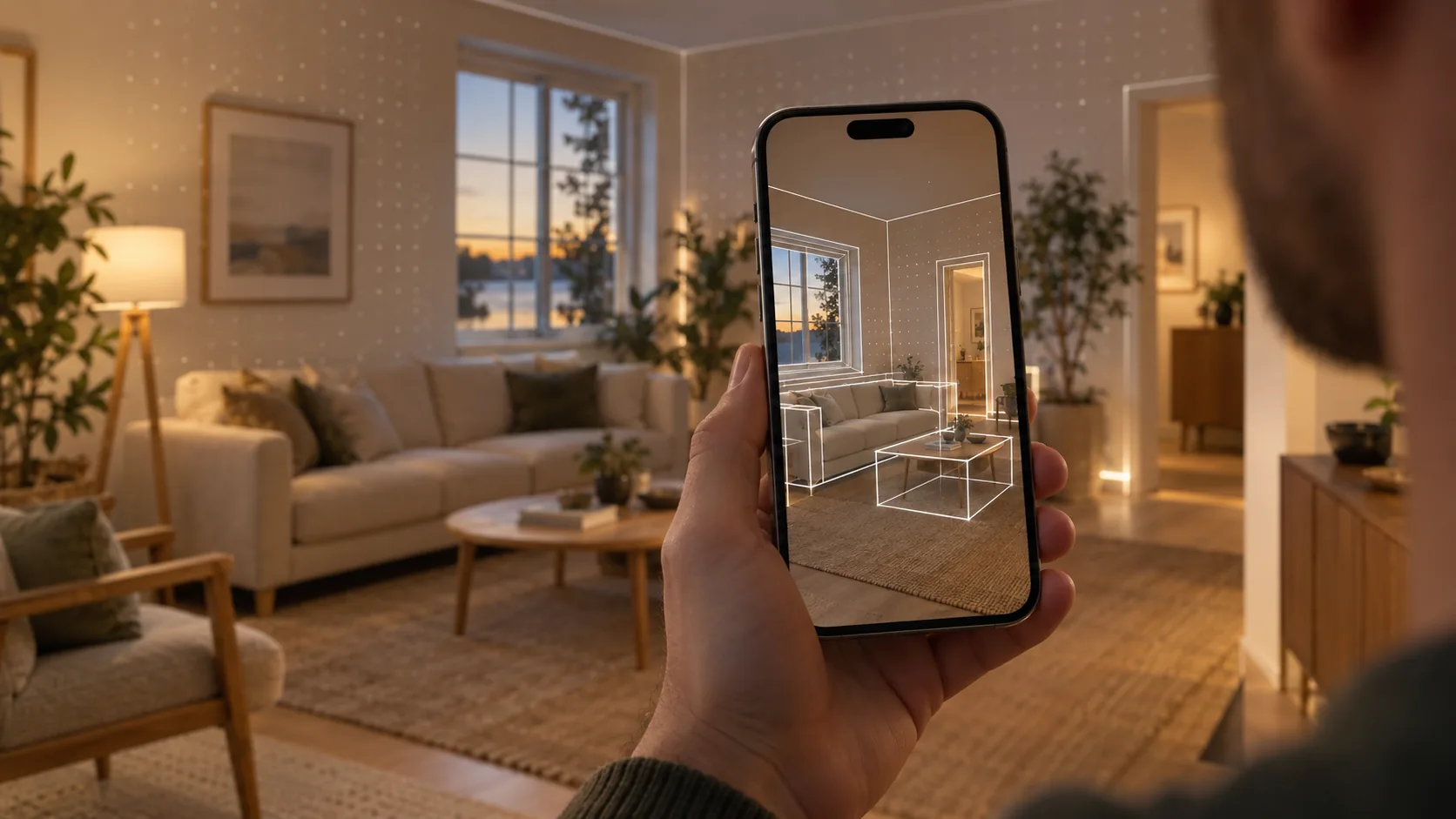
No tape measure and no drawing. Hold up your phone and walk around: heySec measures the walls, doors, windows and furniture as you go, and turns them into your home’s floor plan.
Only the shape is kept. No camera image, 3D model or mesh is stored or sent, just outlines in metres.
-
LiDAR does the measuring
On an iPhone Pro or iPad Pro with iOS 17 or later, walls, doors, windows, open doorways and furniture are captured room by room, in one walk.
-
Any other phone works too
Aim the camera at each corner of a room, then mark its doors, windows and furniture.
-
Check it before it is saved
Walls are straightened, north is put up where the compass can tell, and each room’s type is recognised from what stands in it.
-
Rescan one room any time
Moved the sofa? Scan that room again; its name and the devices placed in it stay.
Floor plan
See what is watched, and what isn’t
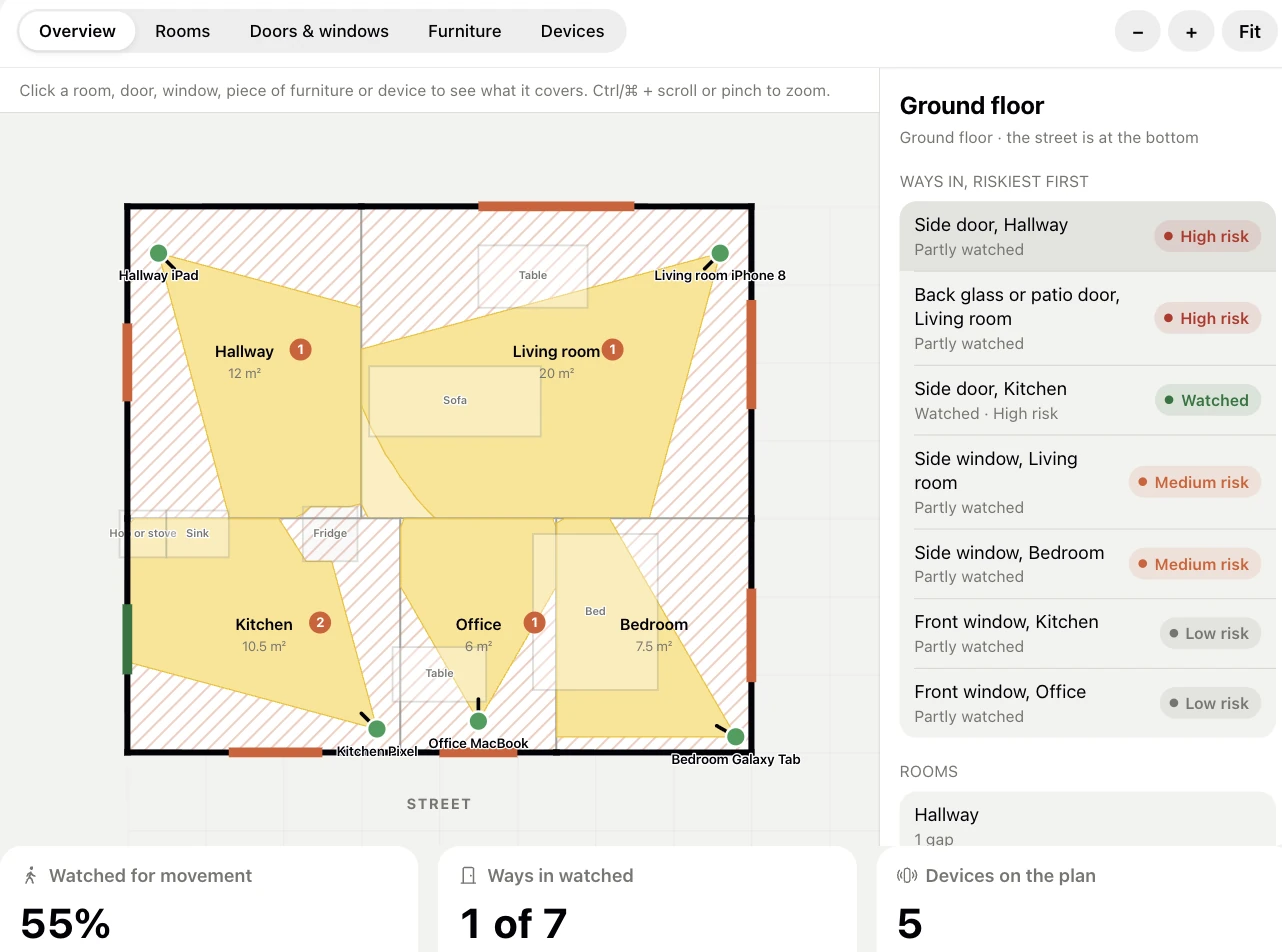
Scanned, or set up by answering a few questions: once your rooms are on the plan, heySec draws what every camera can see and ranks every door and window by how easy it is to get in.
- Coverage at a glance. How much of your home is watched for movement, and how many of the ways in are watched.
- Real sightlines. A camera’s view stops at walls and at furniture tall enough to hide behind.
- Ways in, riskiest first. Each door and window is watched, partly watched or not watched, with advice on what would close the gap.
Always on
The cloud keeps watch, even over the watchers
Your devices report what they notice. The heySec cloud decides what is an alarm, follows every sensor’s health and never mistakes silence for safety.
-
Silence is never “all quiet”
Every sensor checks in every 20 seconds. One that goes quiet for 90 seconds is reported offline, and you are told while the house is armed.
-
Entry and exit delays
Time to leave after you arm, and a countdown to disarm when you come back in, set per home.
-
Rules you can read
Which sensors, in which modes, at what hours, and whether to sound the alarm or just let you know. Night-time hours may cross midnight.
-
Alerts that reach you
Alarms appear in the app and arrive by email once they are real, not while an entry delay is still counting down.
-
A siren on any device
Turn the siren on for the devices that should make noise. It plays at full volume until someone disarms.
-
Health you can see
Battery, charging and last check-in for every device. A sensor that is moved, unplugged or running low says so.
Family
Everyone at home, with the right keys
Invite people by email with the role that fits them. Each person decides whether they want to be notified, and anyone can leave a home they were invited to.
- ACAlex Chen · OwnerEverything, including removing the home
- SRSam Rivera · AdminDevices, rules and people; arms and disarms
- JCJordan Chen · Family memberArms, disarms and acknowledges alarms
- RCRiley Chen · ViewerSees the status and alarms, changes nothing
Privacy
A security system should not become a surveillance system
Sound is analysed on the device
Only a label like “glass breaking” is sent, and the 20 seconds of sound around it when it sets off an alert while the house is armed.
Photos only when it matters
Stills upload with movement or a person while the house is armed, or when an admin asks. Only the home’s members can see them, and they are deleted after 30 days by default.
Keys stay locked away
Sign-in and device keys live in the iPhone Keychain, the Android Keystore or your computer’s keychain. Every connection is encrypted, and pairing codes work once.
Questions, answered
Do I need to buy any hardware?
No. heySec Home runs on phones, tablets and computers you already own. If you have HomeKit or Home Assistant sensors, it can watch those too.
Can a device I still use every day be a sensor?
Yes. That is the idea. On a computer, heySec Sensor opens the camera and microphone only for sensors that are armed, so they stay free for you while the house is disarmed. Rules you keep always on, like listening for a smoke alarm, keep working.
What happens if a device is switched off or loses its connection?
Every sensor checks in with the cloud every 20 seconds. One that stays quiet for 90 seconds is reported offline, and while the house is armed a rule tells you. A cut cable or a flat battery never looks like “all quiet”.
Does it record audio or video?
Sound is analysed on the device. Only a label such as “glass breaking” leaves it, unless the sound sets off an alert while the house is armed: then the 20 seconds around it are sent too. Cameras send still photos with movement or a person while the house is armed, or when you ask for one, and the 20 seconds of video around an alarm.
How am I told about an alarm?
In the heySec Home app and by email. Devices with the siren turned on sound it until someone disarms.
Can my family use it?
Yes. Invite people by email as an admin, a family member who can arm and disarm, or a viewer who can only see what is happening. Invitations are valid for seven days.
Is it available now?
heySec Home is in private testing on iPhone, iPad, Android and desktop. Join the waitlist and we will invite you as places open.
Give your old devices a second job
Join the heySec Home waitlist and we will invite you as testing opens up.